
- FREE
- Text File (.txt)
- Tally Prime
- Instant Download
Sunday Entry Mark in Day Book TDL
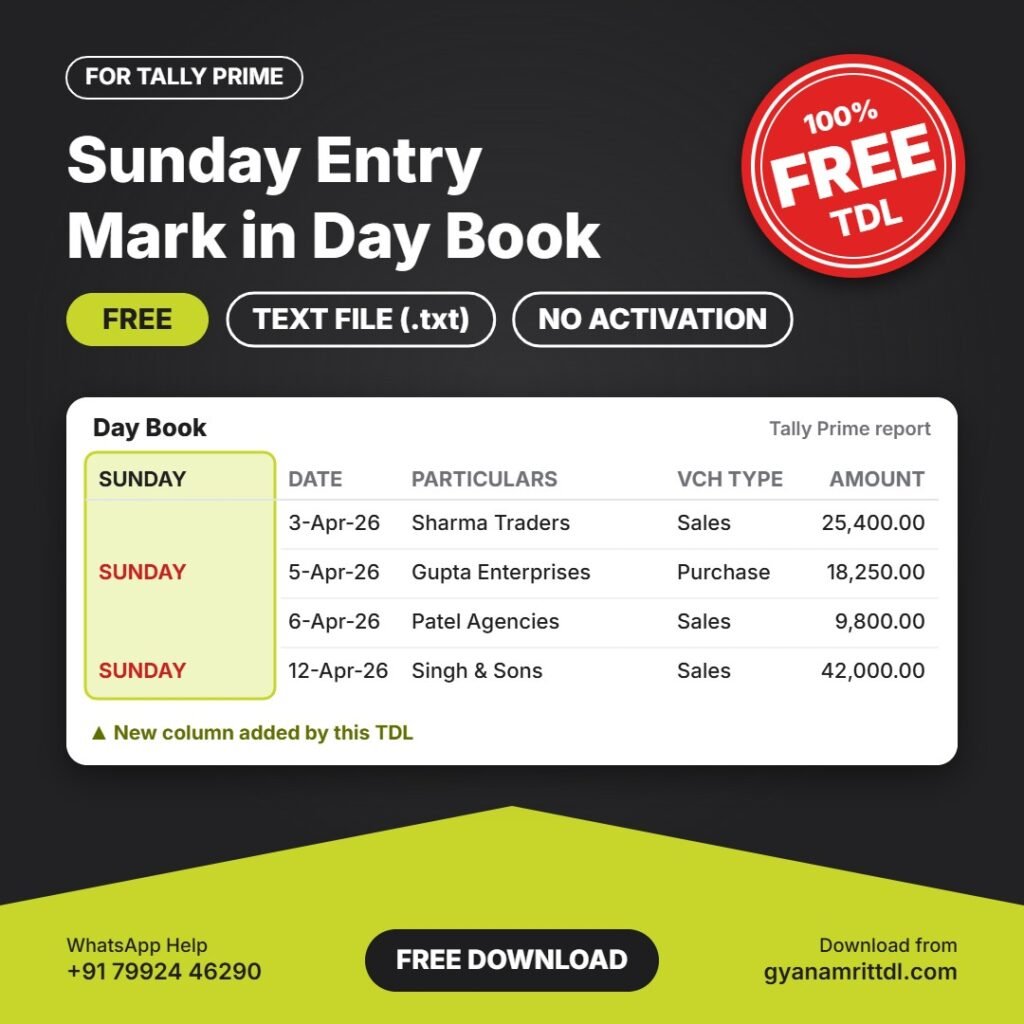
Marks every entry dated on a Sunday with a red SUNDAY label in Day Book. Helps you check entries made on a holiday.
Free download · Plain text TDL file (.txt) · Load it directly in Tally Prime, no activation needed.
What this TDL does
- Red SUNDAY mark on Sunday-dated entries
- Easy holiday entry checking
- Other days stay blank and clean
- Small text file, no setup or activation needed
Like free TDLs? Join us on YouTubeNew TDLs, Tally tips and step-by-step videos. Subscribe so you never miss one.
▶ SubscribeDownload TDL
Click the button below. Your download link will be ready in 10 seconds.
10
Download NowPreparing your download…
How to install in Tally Prime
- Download the TDL and extract the zip file. Inside you will find a .txt file.
- Open Tally Prime and go to Gateway of Tally.
- Press Ctrl+Alt+T, then press F4 (Manage Local TDL).
- Set Load TDL Files on Startup to Yes.
- Enter the TDL file path, for example
E:\TDL\file.txt, and save.
Need a custom TDL or help with installation?We have built 1200+ TDLs. Message us on WhatsApp.
💬 WhatsApp HelpPopular Paid TDLs
-
Sale!
 Other
Voucher Number Voucher date Changer
Original price was: ₹1,000.00.₹500.00Current price is: ₹500.00. Add to cart -
Sale!
 All Paid TDL
GSTIN Auto Create Ledger
Original price was: ₹2,500.00.₹1,000.00Current price is: ₹1,000.00. Add to cart -
Sale!
 All Paid TDL
Item HSN and GST Rate Display in Stock Summary With Filter
Original price was: ₹500.00.₹100.00Current price is: ₹100.00. Add to cart -
Sale!
 All Paid TDL
Change Font Style and Increase Font Size
Original price was: ₹1,200.00.₹100.00Current price is: ₹100.00. Add to cart