

How to Install the TDL File in Tally
Step 1. Go to Gateway of Tally.
Step 2. Then Press Ctrl+Alt+T button
Step 3. Now Press F4 Button or Click on “Manage Local TDL” button
Step 4. Now do “Yes” to “Loan TDL Files on Startup” option
Step 5. Now in the next line “List of TDL Files to preload on Startup” Enter the TDL File Path or Location Like “E:File.tdl”
Step 6. Now save the settings
Your TDL File is ready to use.
Tally Prime TDL
Click here for how to Activate TDL
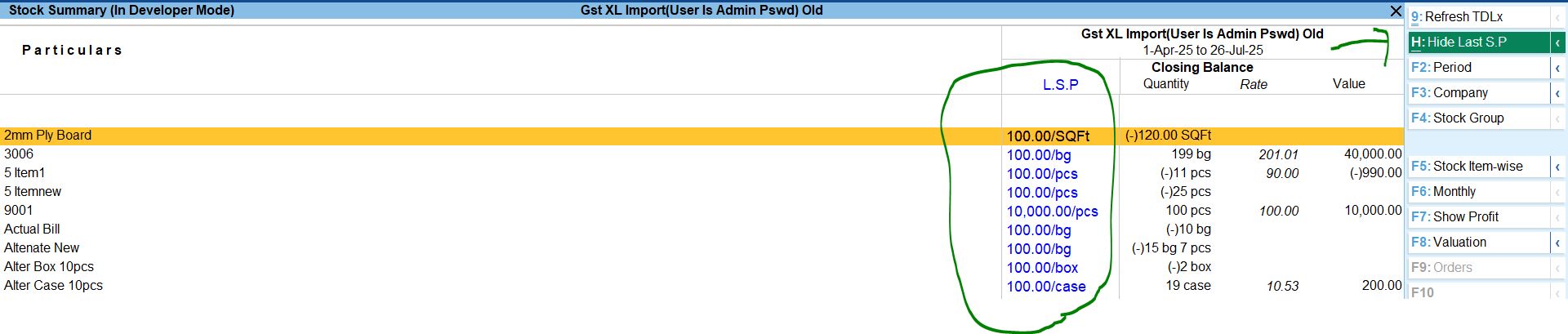
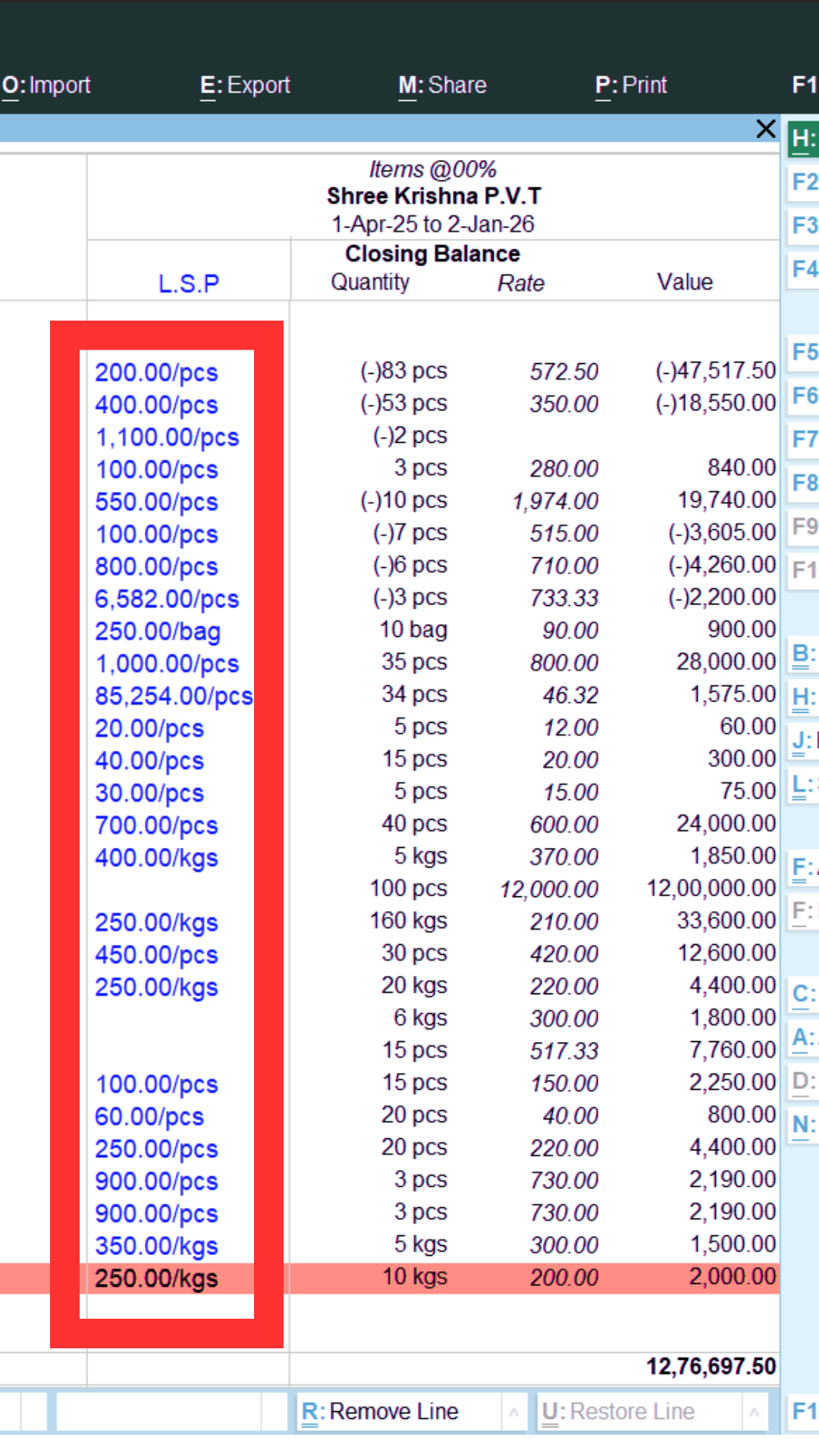
Last Sale Price Display in Stock Summary
Watch Below Video for How To Use
Watch Below Video for How To Load TDL In Tally Prime





Reviews
There are no reviews yet.